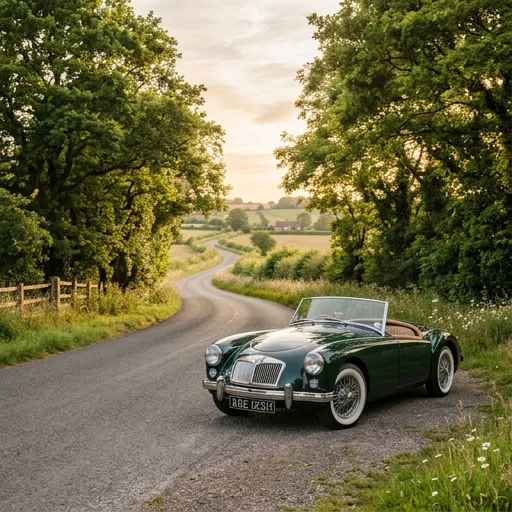
 Vintage Photography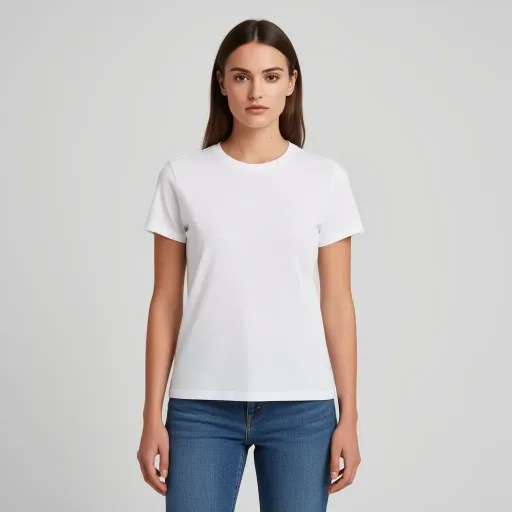
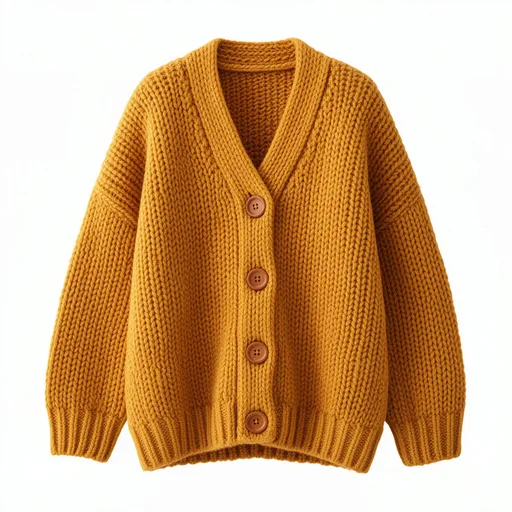
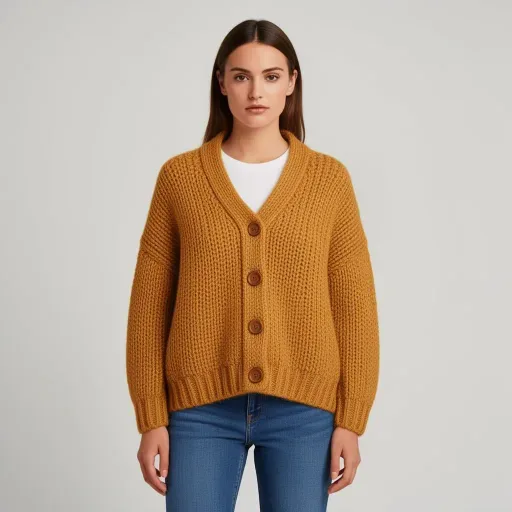
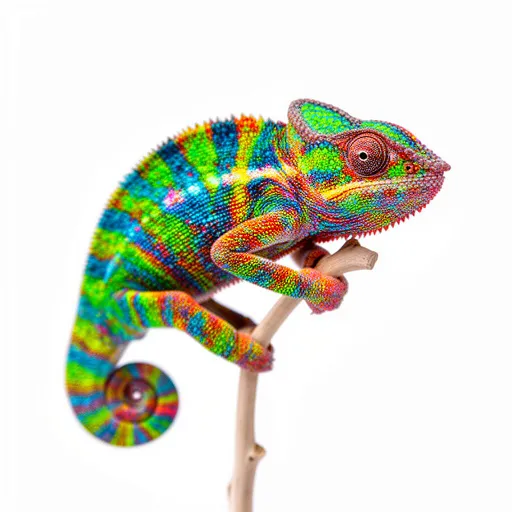
Remove background
Clean cutouts in one click, ready for product pages, stickers and thumbnails.
PhotoMux is an AI image and video studio on an infinite canvas. Every prompt, edit and variation becomes a node linked to the one it came from, so you can branch three ways at once and never lose the original.
100+ models for image, video and 3D, switchable per generation
How it works
No layers, no undo history to dig through. Your canvas is the history: every result sits next to the image it came from, ready to be picked up again.
Type what you want in plain words. Pick a model and one of 55 styles, or let the prompt enhancer fill in the details.
Select any node and ask for a change: restyle, inpaint, extend, upscale. The result attaches below its parent, and the original stays put.
Select two or more nodes to combine them: a product on a model, a character in a new scene. Some models take up to eight references.
Branching
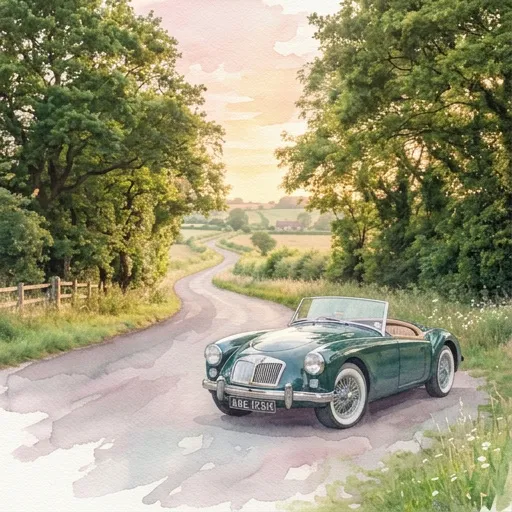
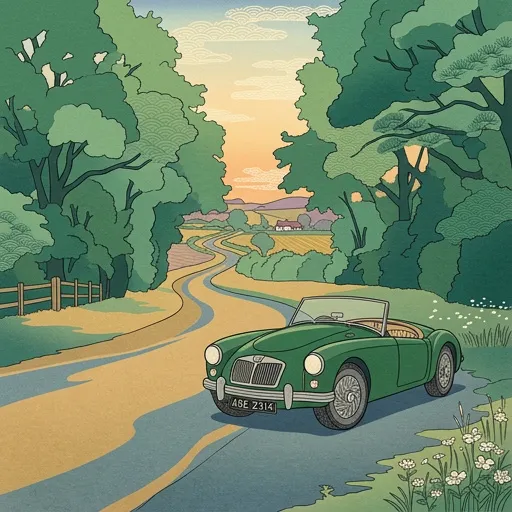
Ask for a watercolor and you still have the photo. Ask for a woodblock print and you still have both. Compare them side by side, then keep going from whichever one you like.
The toolkit
Generate from scratch or drop in your own photos. Every tool works on any image on the canvas, and every result becomes a new node you can keep editing.
Clean cutouts in one click, ready for product pages, stickers and thumbnails.
Paint over the part you want changed and describe it. Everything else stays exactly as it was.
Take a small render to 2× or 4× with sharper detail for print and big screens.
Turn a logo or icon into clean SVG paths that scale to any size.
Turn an image into a 3D mesh and spin it around right there on the canvas.
Generate video from text or bring a still to life, with sound on models that support it. Pull any frame back out as an image.
Extend a picture past its edges to fit a banner, a slide or a phone screen.
Styles
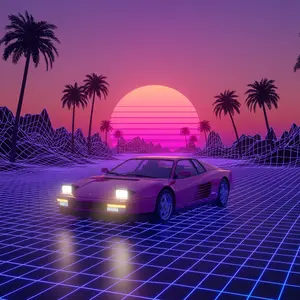
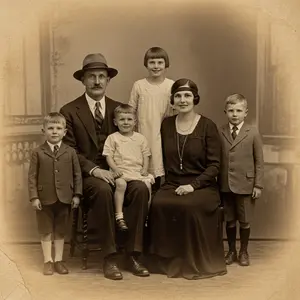
From watercolor and Ukiyo-e to pixel art and film noir. Add a style to any prompt, or restyle an image you already have.
For developers
Every tool in the studio is one REST endpoint away. Generate, edit and upscale from your own code with a personal API key, or let people connect your app with OAuth. Results land on the canvas like any other node.
curl https://a.photomux.com/api/v1/generations \
  -H "Authorization: Bearer pmx_••••••••" \
  -H "Content-Type: application/json" \
  -d '{
    "action": "generate",
    "chat_id": "0d9c…",
    "modelId": 12,
    "prompt": "a red bicycle by a brick wall, golden hour",
    "width": 1024,
    "height": 1024
}'GET /api/v1/generations/{id} until it’s ready
Pricing
Sign in with Google or GitHub and start generating. No credit card. When you want more, add credits and pay only for what you create. If a generation fails, its credits come back automatically.
No. You describe what you want in plain words, and the canvas keeps track of everything you try, so experimenting never costs you a good version.
Yes. Drag images onto the canvas to remove backgrounds, upscale, inpaint, restyle, extend or turn them into video.
More than 100 across image, video and 3D, from fast drafts to high-end photorealism. You choose the model for each generation, so you can compare them on the same canvas.
Each canvas is its own chat. Group them into folders and projects, and share a project when you want someone else to see the work.
You get the credits back automatically. You’re only charged for results you actually receive.